A budget tracker for Canadians who need more than category totals.
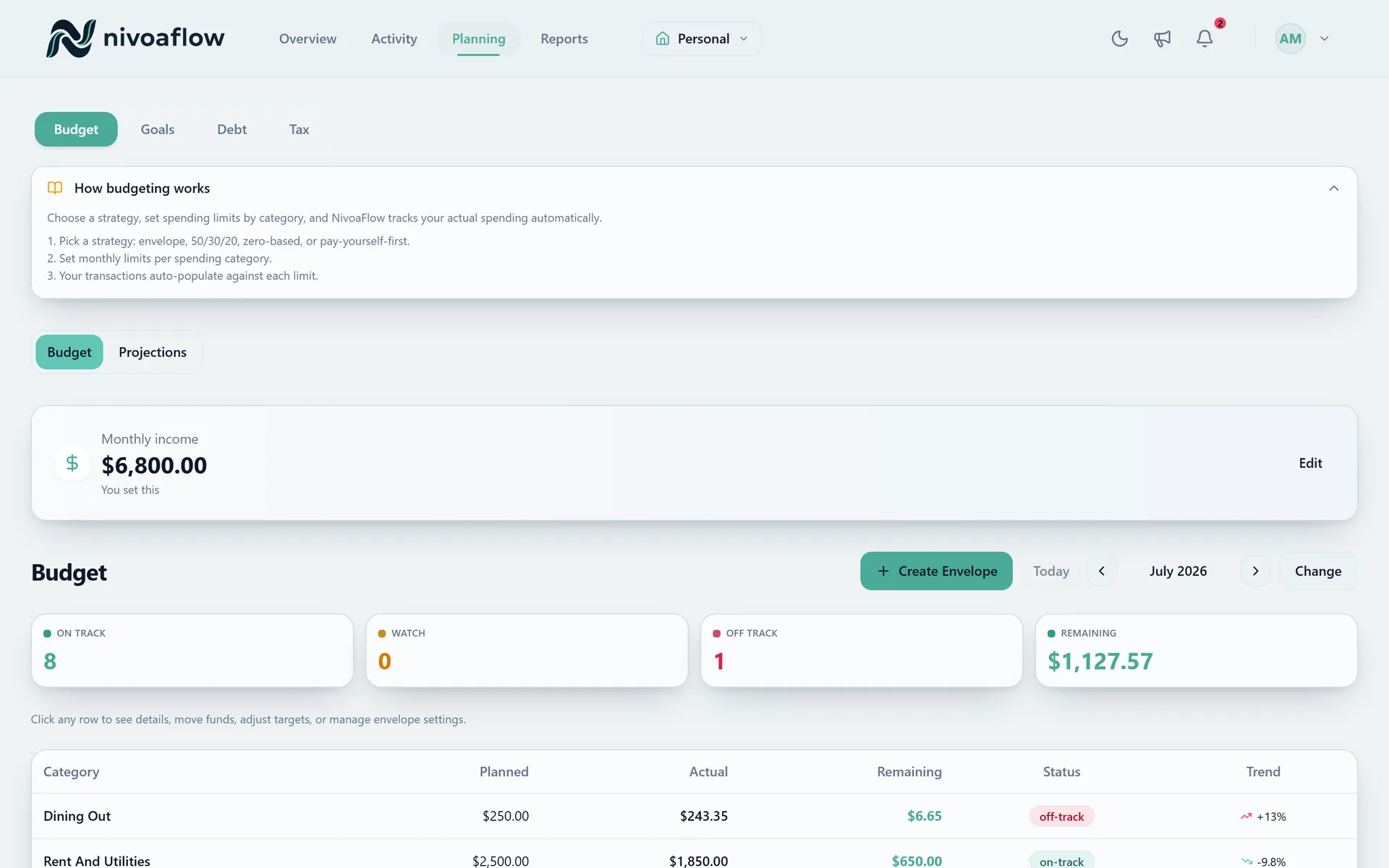
A budget tracker should show what already happened, what is still coming, and whether your plan survives the next bill or paycheque.
35 days free. No credit card required.
Why this page exists
Use this page for budget tracker searches where the visitor likely wants product proof, not a broad brand story.
Tracking is useful only when it changes the next decision
NivoaFlow connects budget progress with transactions and cash-flow forecasting so a category total does not sit apart from bills, paycheques, and goals.
A fallback path matters
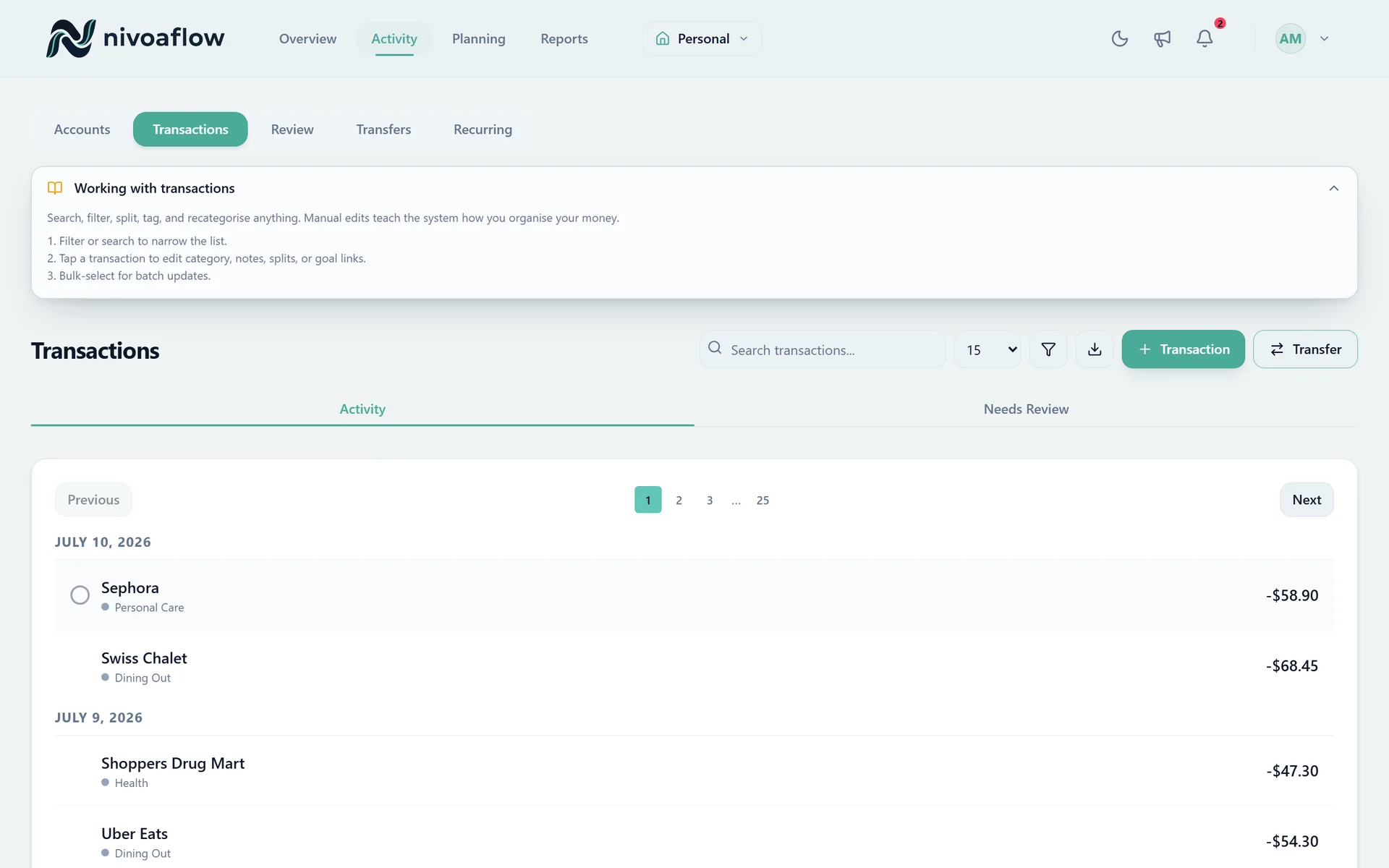
Budget trackers often look great until a bank connection fails or a user does not want to link an account. NivoaFlow supports manual entry and CSV import so tracking can continue.
What to check before choosing
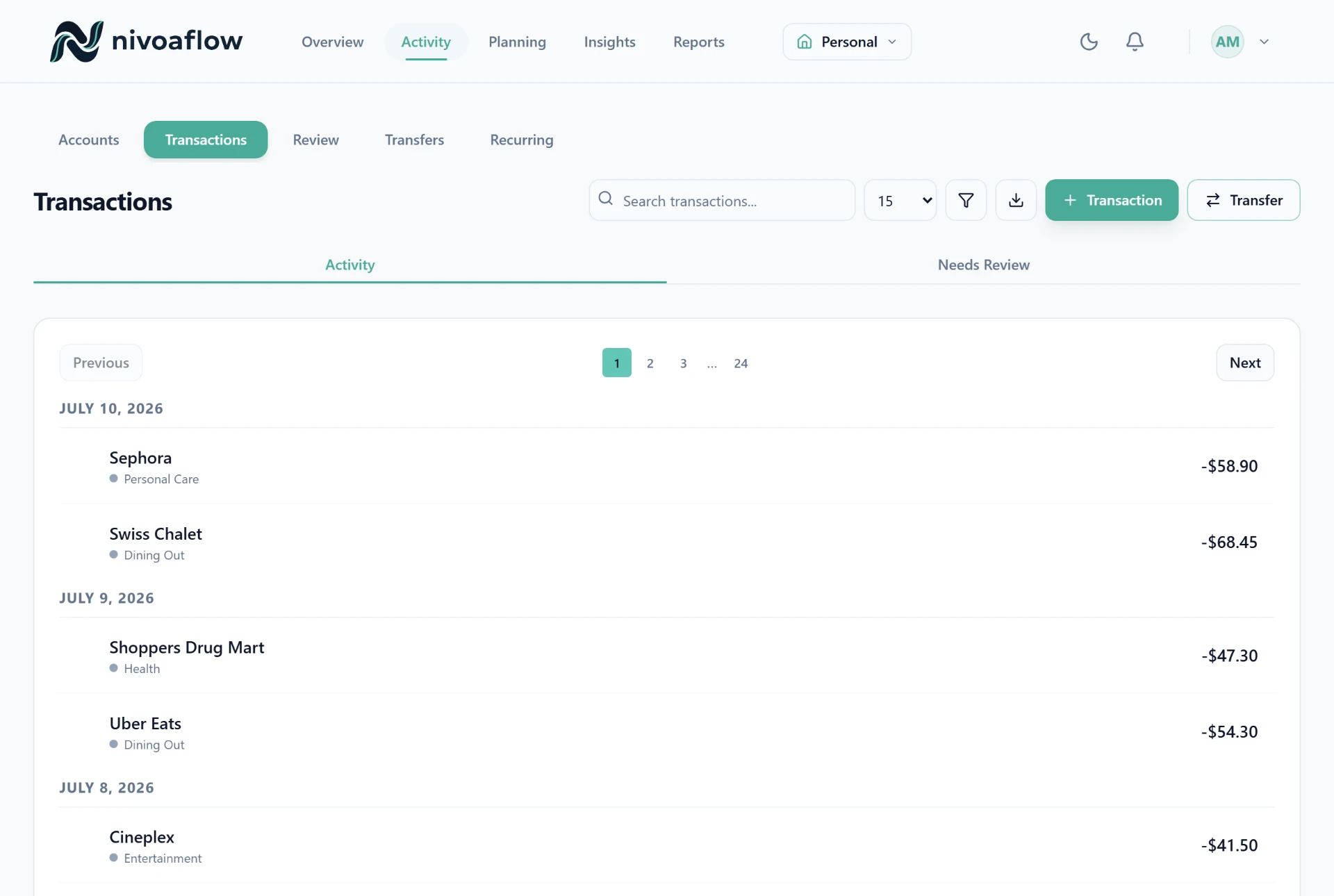
Budget progress beside real transaction history
Recurring bills and cash-flow forecasts beside spending
CSV import and manual entry paths
Rules and review queues for repeat cleanup
Registered accounts visible near the broader plan
Household context for shared expenses and goals
Comparison frame
| Question | NivoaFlow angle | What to compare |
|---|---|---|
| Budget view | Progress plus surrounding cash-flow context | Category totals without upcoming bills can mislead |
| Import workflow | Manual, CSV, and available connections | Connection-only systems can stall when sync fails |
| Repeat work | Review queue and rules support repeated cleanup | Manual cleanup can become the system |
| Canadian planning | Budgeting can sit beside TFSA, RRSP, and FHSA planning | Registered accounts may live outside the budget tracker |
Download the checklist
Use the seven-question checklist before starting any free trial, including NivoaFlow.
Download HTML checklist- 1.Price and currency
- 2.Canadian account fit
- 3.Sync fallback
- 4.Repeated cleanup
- 5.Cash-flow planning
- 6.Household boundaries
- 7.Data export and deletion
See if NivoaFlow fits your money system
Start free, test the workflow, and compare it against the checklist before you commit.
Create free account