How registered-account room tracking works
The one idea behind TFSA, RRSP and FHSA tracking, and the three ways to feed it: connect a brokerage, import a CSV, or add transactions by hand.
Registered-account tracking answers one question: how much room do I have left in my TFSA, RRSP or FHSA? This guide explains the idea behind it, then the three ways you can feed it.
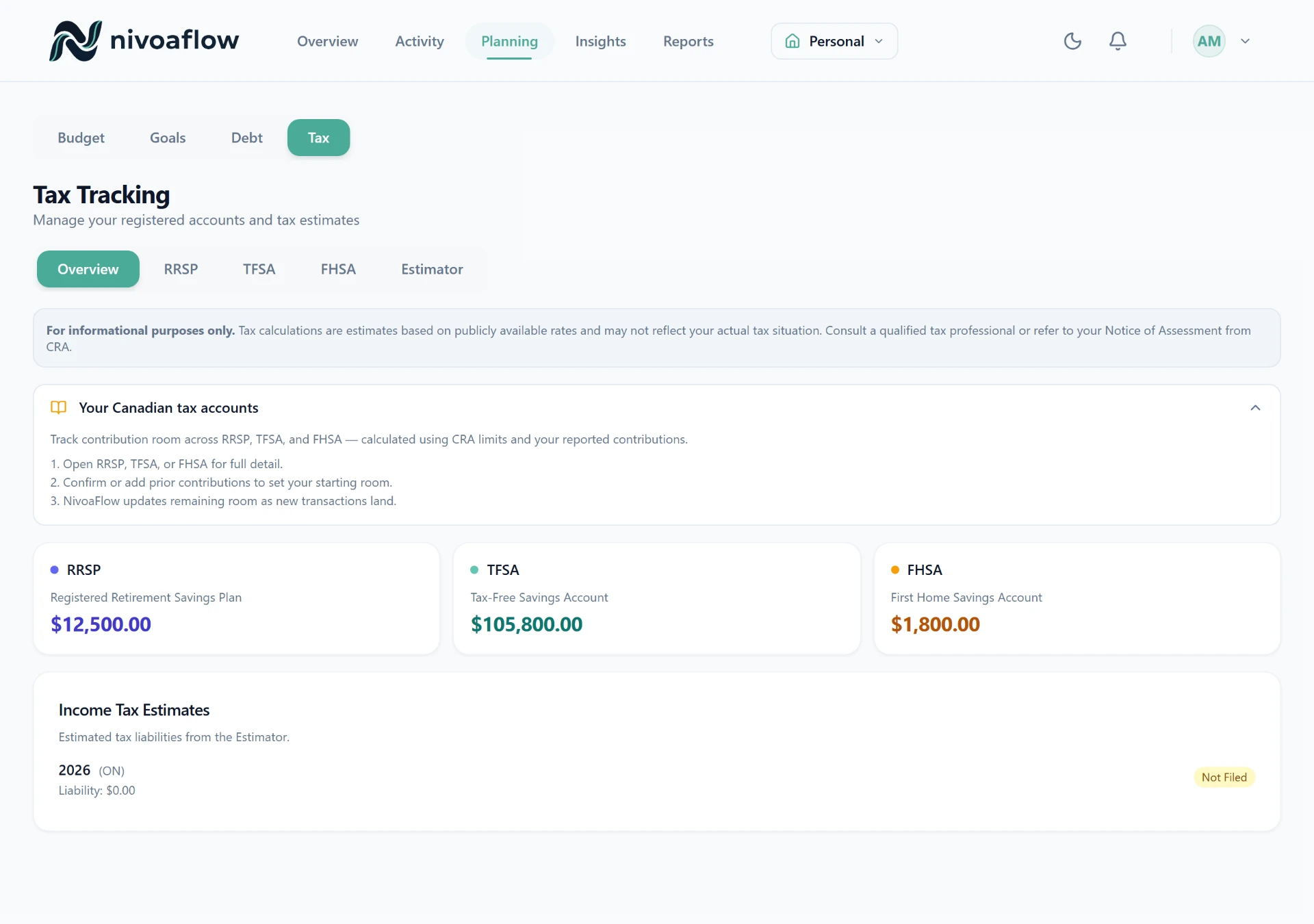
The one idea: deposits use room, growth does not
Your contribution room only changes when you move money in or out. Investment growth, dividends, interest and trades never count. That is a CRA rule, and it is the whole model:
Deposited − Withdrawn = room used
Starting room − room used = room remaining
So a $6,000 deposit uses $6,000 of room. If that grows to $9,000, your room is untouched. If you withdraw, room is restored the following year for a TFSA, and permanently used for an RRSP or FHSA. We only ever read the direction of each transaction, never the balance or market value.
Your starting number comes from your Notice of Assessment
We cannot know your prior-year room, so you set a starting figure once from your latest CRA Notice of Assessment (in CRA My Account). From that point on, we count your deposits and withdrawals against it. You can update it any year when a new assessment arrives.
The three ways to feed it
You can mix and match these on the same account. However a transaction arrives, a deposit uses room and a withdrawal restores or uses it, identically.
1. Connect a brokerage (automatic)
Link your investment account through our brokerage connection and your contributions and withdrawals sync on their own. This is the hands-off option: designate the account as a TFSA, RRSP or FHSA once, and new deposits are tracked as they land. Growth, dividends and trades come through too, but they are shown for your records and never counted toward room. Brokerage connection is available on the Personal and Household plans.
2. Import a CSV
Download a transaction CSV from your bank or brokerage and drag it in. Our column-mapping wizard lines up the date, description and amount, and the deposits and withdrawals flow into the same room calculation. Good when your institution is not connectable, or for backfilling history.
3. Add transactions by hand
Enter a contribution or withdrawal directly. This is the simplest path and works for any account, including a one-off catch-up entry or correcting a figure. Nothing to connect, nothing to import.
What counts, and what does not
| Counts toward room | Does not count |
|---|---|
| Contributions (deposits) | Dividends and interest |
| Withdrawals, including transfers out | Buys and sells |
| Investment growth | |
| Fees and taxes |
A transfer out of the account is treated as a withdrawal, because the money left the account. A qualifying institution-to-institution transfer between two of your own registered accounts is different and does not use room; keep those as internal transfers.
The numbers we track against (2026)
| Account | 2026 limit |
|---|---|
| TFSA | $7,000 for the year, plus everything carried forward |
| RRSP | 18% of prior-year income, up to $33,810, plus carry-forward |
| FHSA | $8,000 for the year, $40,000 lifetime |
Your own room depends on your income and history, so we always count from the starting figure on your Notice of Assessment rather than assuming a limit.
Where to go next
This is general information, not tax advice. For your specific situation, confirm your room in CRA My Account or with a professional.
Related articles
TFSA Contribution Tracking
How NivoaFlow tracks your TFSA room — the one rule that trips everyone up, and how to set it up in two minutes.
RRSP Contribution Tracking
How NivoaFlow tracks your RRSP deduction room — deposits vs growth, the NOA starting number, and the 60-day deadline.
FHSA Tracking and the Tax Estimator
How NivoaFlow tracks your FHSA room (deposits vs growth, yearly + lifetime caps) and projects your Canadian tax bill.